Download CS 1.6 for PC. Direct installer and torrent links, Windows requirements, bot practice and a guide to joining CS-MS servers.
Download for Windows Download torrent
Windows · .exe · approximately 232 MB.
Online multiplayer
Thousands of playersMultiple languages
4 languages to choose fromLatest version from Steam
An up-to-date game baseFor all Windows versions
From XP to Windows 11Smart bots
Offline practice
Counter-Strike 1.6: a familiar game, a fresh match
The first buy, a quick call with your teammates and the move towards a bombsite. Counter-Strike 1.6 rewards more than fast reactions. Sharing information, covering an angle and helping a teammate can matter more than a spectacular solo shot. Familiar maps still produce different rounds because the other team keeps changing the problem you need to solve.
This page brings together the PC client download and practical steps to get started. Set up your controls, practise against bots, then use CS-MS to find an online server with a map and rules you enjoy.
Classic Counter-Strike on your PC
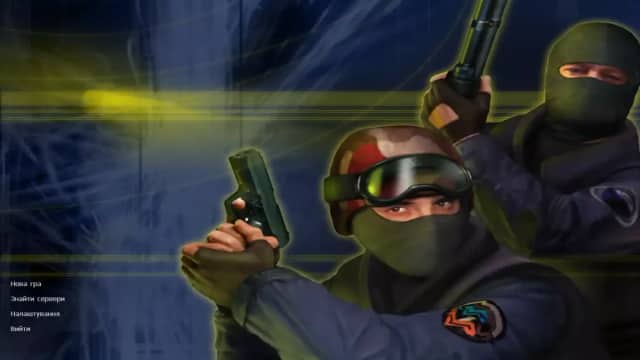
Start with your player name, screen resolution and mouse sensitivity. Familiar weapon models and a clear crosshair make it easier to focus on movement and aim before experimenting with the look of your client.
Maps, weapons and team rounds
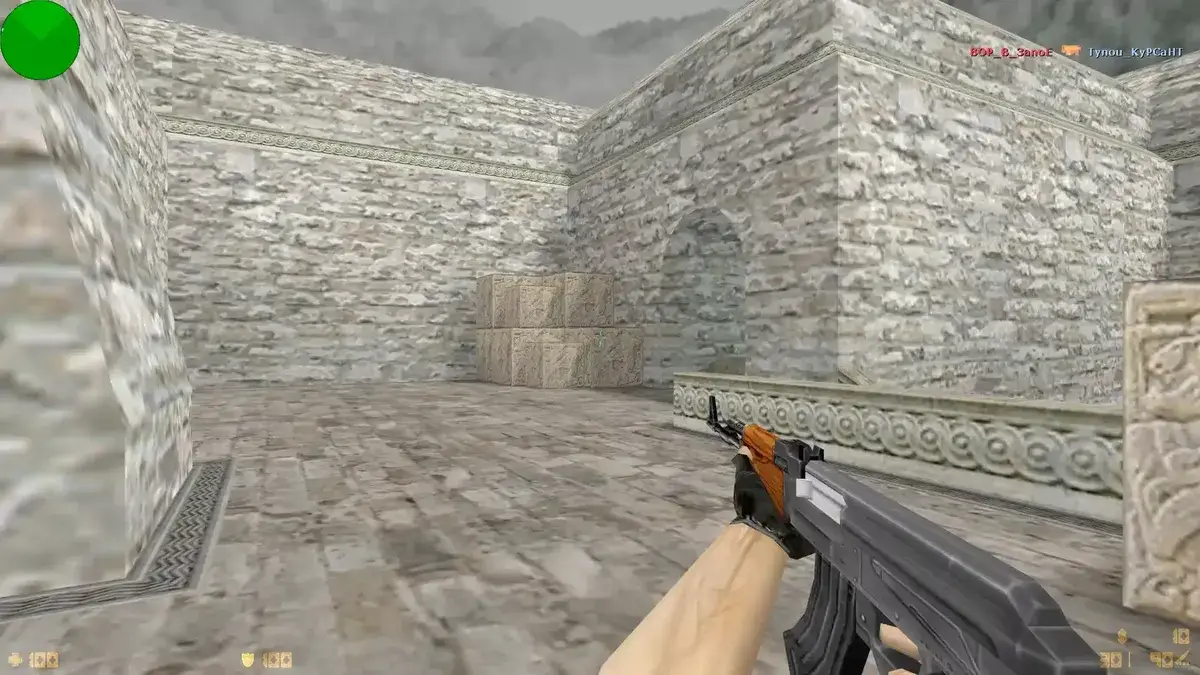
Learn cover and entry routes on de_dust2, de_inferno or de_aztec. Practise short bursts with the AK-47 and M4A1. Grenades do more than deal damage: they can help your team cross an exposed area or take control of a position.
Bots and interface languages
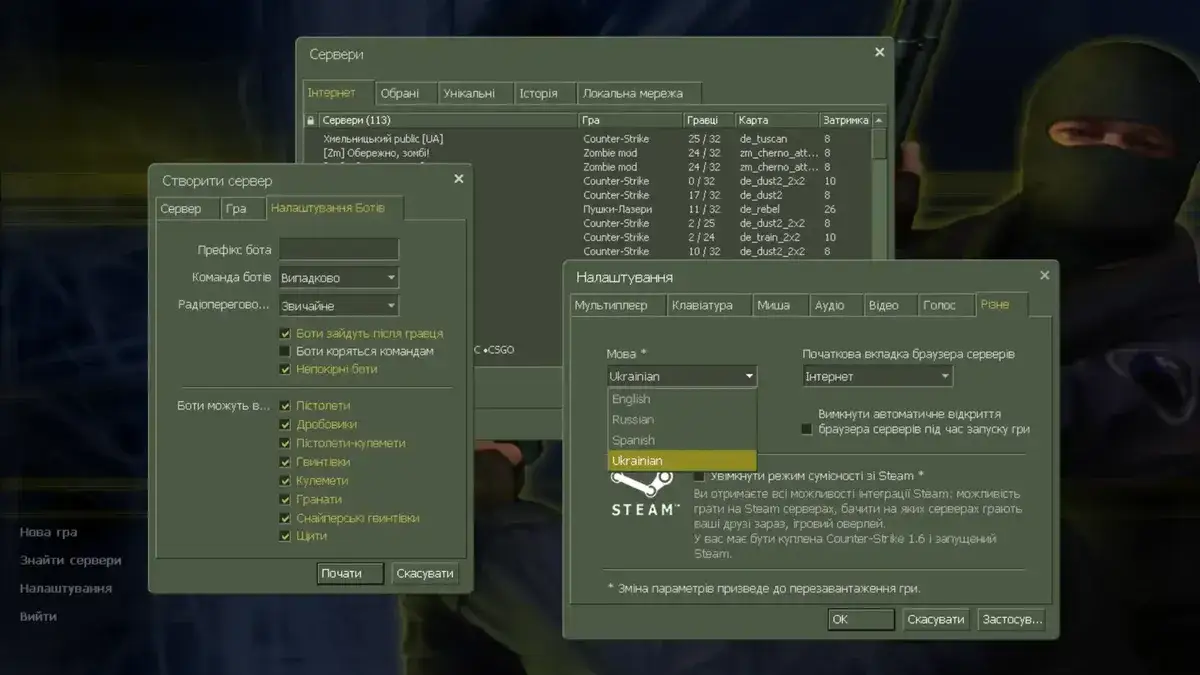
This build includes bots and interface language selection. Choose English in the settings and start a local match to learn the map before joining other players.
CS 1.6 system requirements
Component | Build requirements |
|---|---|
Operating system | Windows XP / Vista / 7 / 8 / 10 / 11 |
Processor | 500 MHz or faster |
Memory | 96 MB or more for the game |
Video memory | 16 MB or more |
Disk space | At least 1 GB, plus space for maps and server downloads |
Connection | Internet access for downloads and online matches |
Installation problems?
If Windows SmartScreen displays a blue window and blocks the installer, use one of the methods below. Continue only for a file from a trusted source that you have scanned with your antivirus.
Through file properties
Right-click the downloaded .exe → Properties → on the General tab, select Unblock at the bottom if available → Apply → OK. Then double-click the file.
In the SmartScreen window
Alternatively, select More info → Run anyway in the SmartScreen window. If this button is unavailable, contact support.
Illustrations of Windows dialogs; their appearance may vary by Windows version.
How to install CS 1.6 on Windows
Download the client. The main button links to CS16_setup.exe. For the alternative method, open the .torrent file in your torrent client.
Choose a folder. Run the installer, allow room for extra maps and wait for installation to finish.
Set up the game. Choose your name, screen resolution, sound settings and mouse sensitivity. Select your preferred interface language.
Try the controls. Create a local bot match or move on to choosing an online server.
Play CS 1.6 online with CS-MS
Open the CS 1.6 server monitor. Filter by country, map or game mode and check player counts. A server page shows its current status, available slots and connection address.
Copy the IP address with its port. Open the game console with ~ and enter connect IP:PORT, replacing IP:PORT with the server address. Add a server you like to your favourites for the next match.
Look for a reasonable connection delay and rules that suit your play style. A full, offline or password-protected server may reject a connection even when your client works correctly.
Download and gameplay questions
Is the CS 1.6 download free?
This build is available as a free download using the buttons on this page. This is not a licence purchase. The official Counter-Strike release is available on Steam.
Should I use the direct download or the torrent?
The direct link downloads the installer in your browser. The .torrent file needs a torrent client. Once you have the installer, the setup steps are the same.
Can I play CS 1.6 with bots offline?
After the game and bots are installed, create a new local match and choose the map and bot settings. A local bot match does not need a continuous internet connection. Online servers do.
Does CS 1.6 work on Windows 10 and Windows 11?
Both systems are listed as supported in the build description. If the game does not launch, check the client settings and your graphics driver. Requirements and compatibility for the separate Steam release may differ.
Why can’t I connect to a server?
Check the IP address and port, then confirm the server is online and has a free slot. It may need a password or the Steam version. Read the server description or contact its administrator for specific requirements.
Your next round starts here
Download Counter-Strike 1.6, set up your client and find your next team on CS-MS servers.